How to install a WordPress plugin or theme from a ZIP file
Install a WordPress plugin or theme from a ZIP safely: back up, verify the file, upload it, and fix the errors people meet most often.
By WP Free Plugins,
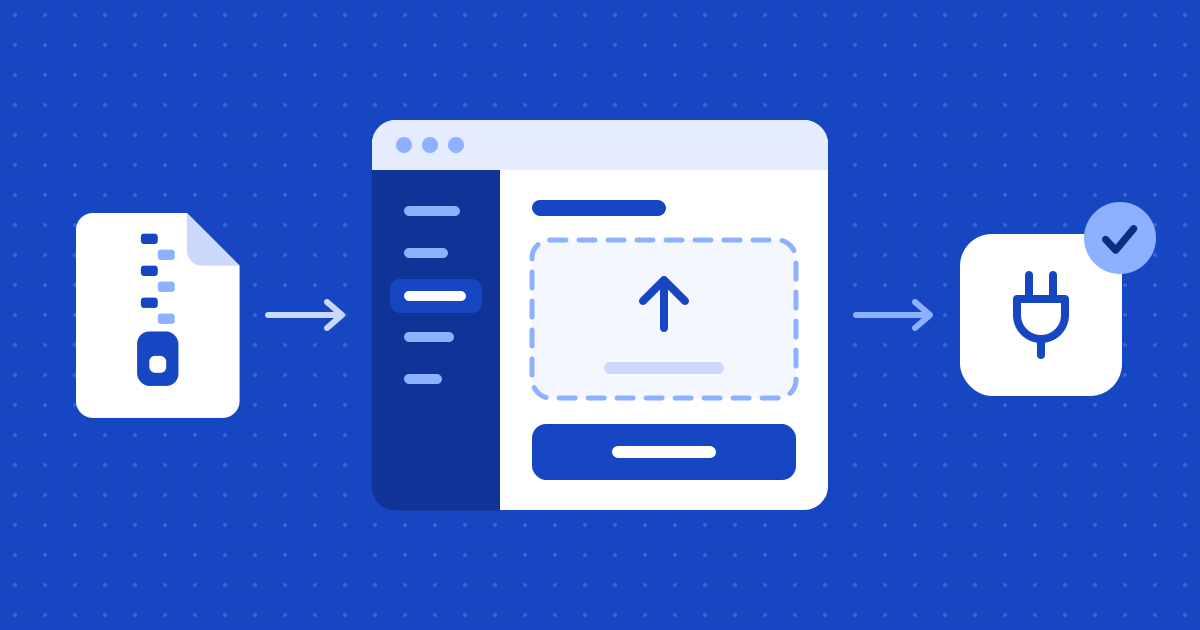
Plugins that are not in the WordPress.org directory are installed from a ZIP file. The upload takes a minute. The steps before it protect your site.
Before you upload
- Back up files and database. Make sure you know how to restore the backup.
- Check the requirements. Compare the plugin’s minimum WordPress and PHP versions with yours under Tools > Site Health > Info.
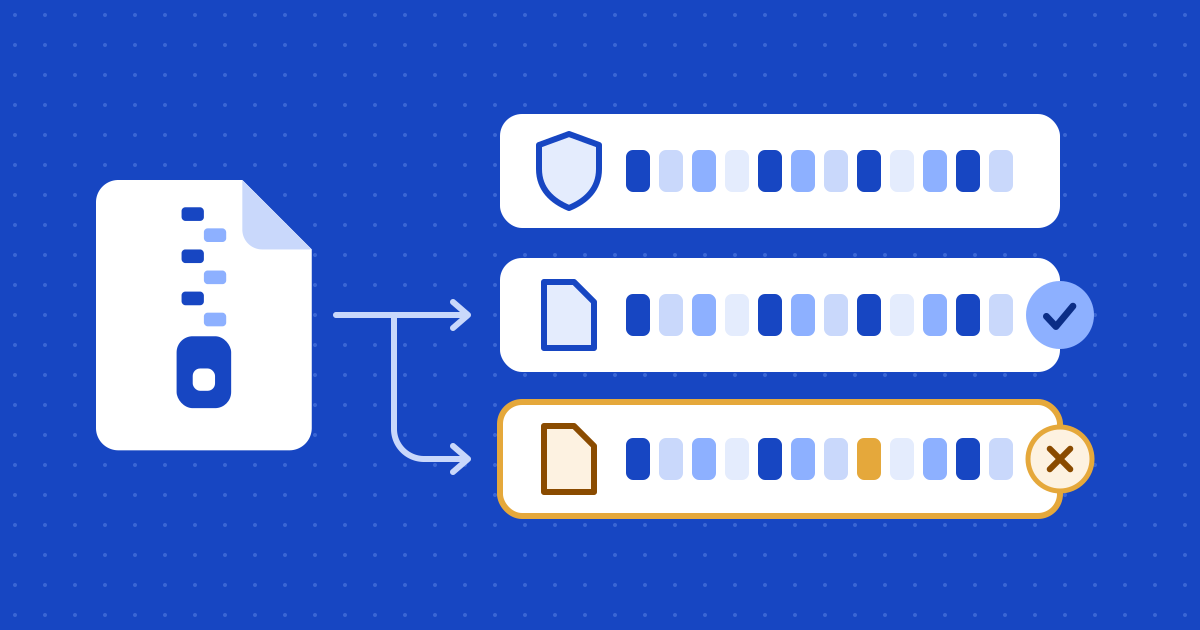
- Verify the file. Compare its SHA-256 checksum with the published value.
- Use a staging site. Many hosts offer a one-click copy. Test there first.
Install a plugin
- In the WordPress admin, open Plugins > Add New Plugin.
- Select Upload Plugin.
- Choose the ZIP. Do not unpack it.
- Select Install Now.
- Select Activate Plugin.
If you are replacing a version that is already installed, WordPress shows both versions and asks you to confirm.
Install a theme
- Open Appearance > Themes.
- Select Add New Theme, then Upload Theme.
- Choose the ZIP and select Install Now.
- Use Live Preview before activating.
After activation
- Open a few pages in a private browser window.
- Submit a form, and place a test order if you run a store.
- Clear every cache: plugin, server and CDN.
- Look for new errors under Tools > Site Health.
Common errors
The package could not be installed. No valid plugins were found.
The ZIP is probably a bundle that holds documentation and another ZIP. Unpack it on your computer and upload the inner file.
The uploaded file exceeds the upload_max_filesize directive
The file is larger than the PHP upload limit. Ask your host to raise it, or unpack the ZIP and upload the folder to wp-content/plugins by SFTP.
The link you followed has expired
This usually has the same cause as the previous error, or the upload took too long. Raising the PHP limits for upload size, post size and execution time normally fixes it.
The site shows a critical error
Use the recovery link that WordPress emails to the administrator. If it does not arrive, rename the plugin’s folder in wp-content/plugins by SFTP. WordPress then deactivates the plugin.
Keeping it updated
A plugin installed from a ZIP may not update itself, since many premium products update only with a licence key. Note the version you installed and check for new releases, above all security fixes. If you cannot keep up with that, buy the licence or choose another plugin.